
How do I update my credit card details?
Card details are changed or removed in the Billing section of your account on our website.
Updated
Your card details live with our payment provider rather than in Bird Journal, and you can change or remove them whenever you like from your account on our website.
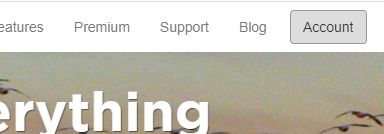
Press Account at the top right of the website.
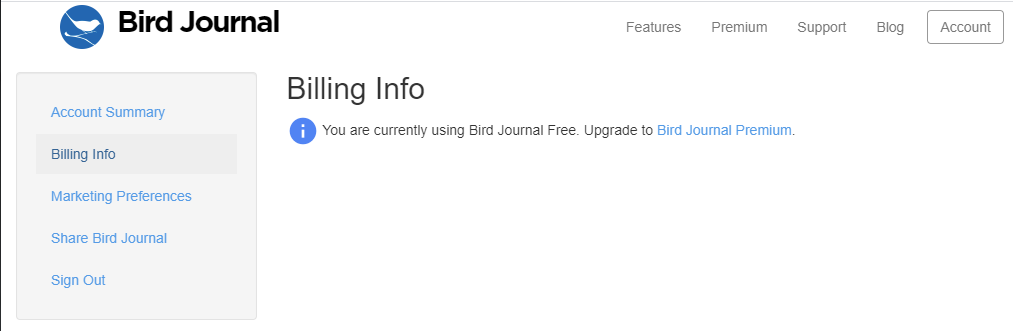
Sign in if you are asked to, then open the Billing section and follow the instructions there.
Removing your card is also how you go back to a free account: your premium subscription runs to the end of the year you have paid for and then simply stops. Nothing is deleted when it does — see the free and premium questions.
If you subscribed through the App Store or Google Play rather than our website, your card is held by Apple or Google, so it has to be changed in their account settings instead.