
Export from BirdTrack
How to pull your records out of BirdTrack as a spreadsheet, ready to import into Bird Journal.
Updated
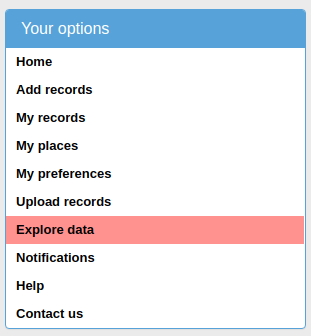
Open BirdTrack and sign in. The main screen has a menu down the left-hand side — click Explore data.
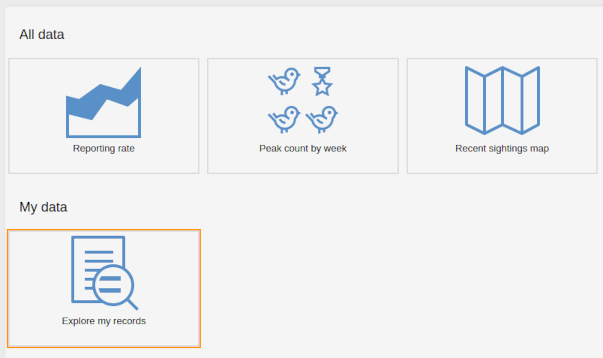
Then click Explore my records.
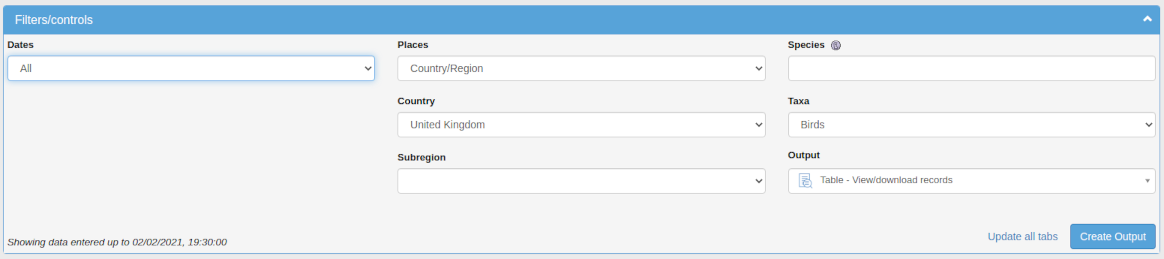
A set of filters appears. Set them to cover the records you want and press Create Output.
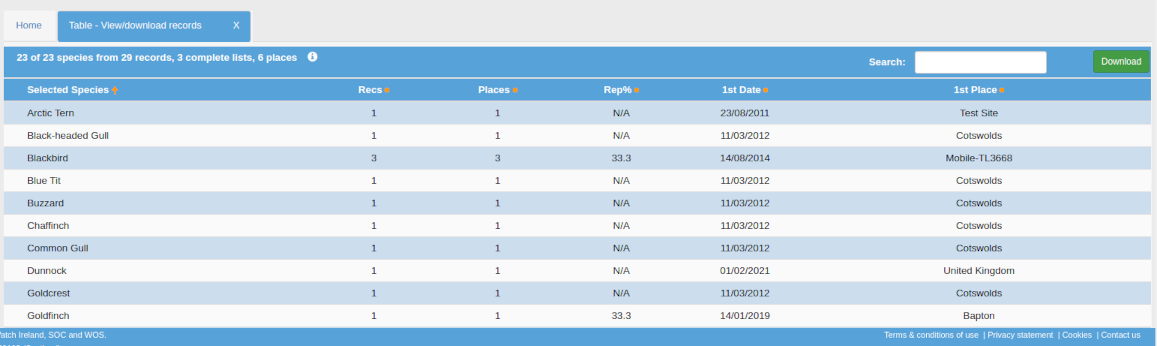
The matching records appear in a panel below. Click Download.
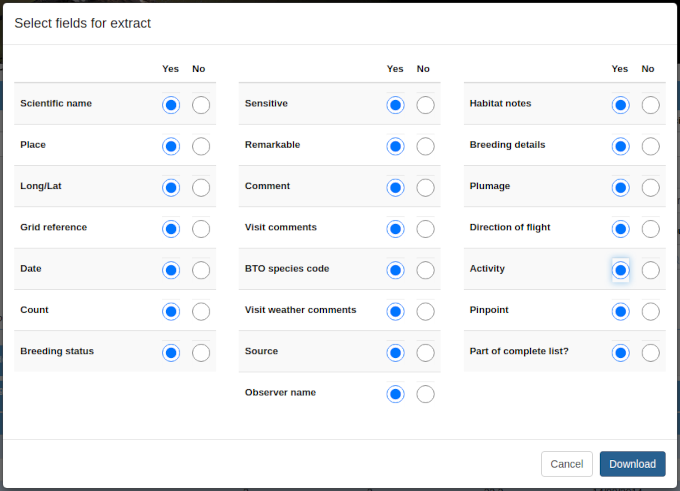
You are asked which fields to include. Select them all, then Download.
After a moment a file called bt.xlsx arrives. Save it somewhere you will find it again.
One thing to know before importing it: the first worksheet is a summary of species, not your records. The records themselves are in the worksheets after it, named Records#1 and so on.
You can then go on to import it into Bird Journal.